
Your profile
Get to it from your name in the top-right of BUZ.
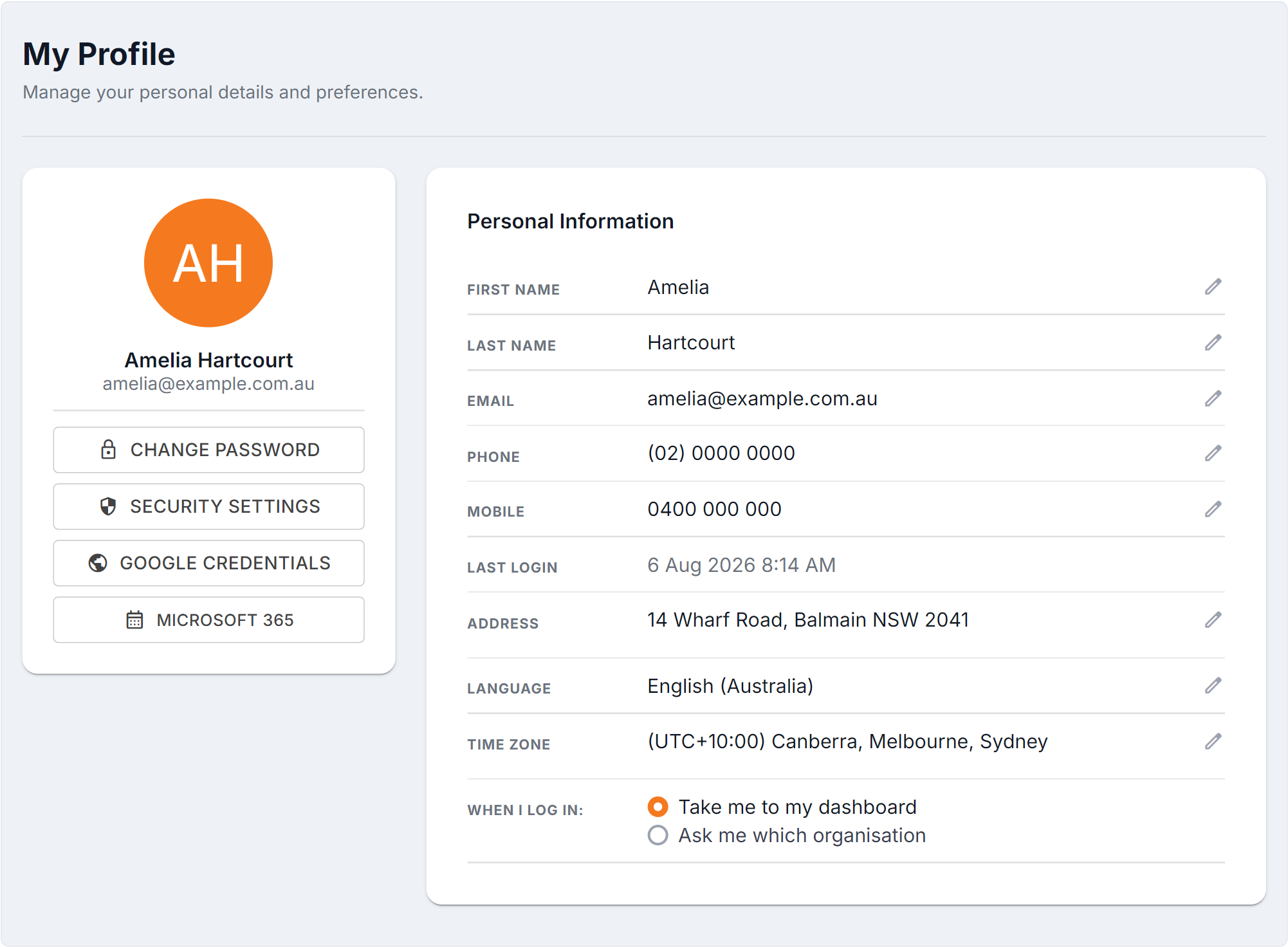
Figure 1 — My Profile: your own settings, separate from your organisation’s. The field rows are edited in place; Last Login is read-only. The side buttons lead to Security Settings and your Google / Microsoft 365 calendar credentials. Time Zone governs every time BUZ shows you, and When I Log In sets where you land.
Your details
Section titled “Your details”| Field | Notes |
|---|---|
| First Name / Last Name | How you appear to colleagues in BUZ |
| Your login address and where BUZ emails you | |
| Phone / Mobile | Your contact numbers. The mobile is also used for SMS verification codes if you set those up |
| Last Login | When you last signed in — read-only |
| Address | Your address |
Language
Section titled “Language”Sets how dates, numbers and currency are formatted for you. BUZ defaults to Australian English — change it if you’d rather see another format.
Time zone
Section titled “Time zone”Every time in BUZ is shown in your time zone. Appointments, activity timestamps and scheduling all follow it.
When I Log In
Section titled “When I Log In”Sets where BUZ takes you after signing in — so you land on the screen you actually use rather than navigating there every morning.
Other settings on this page
Section titled “Other settings on this page”- Security Settings — multi-factor authentication, passkeys and verification codes. See Securing your account.
- Microsoft 365 / Google credentials — connect your calendar. See Calendar connections.