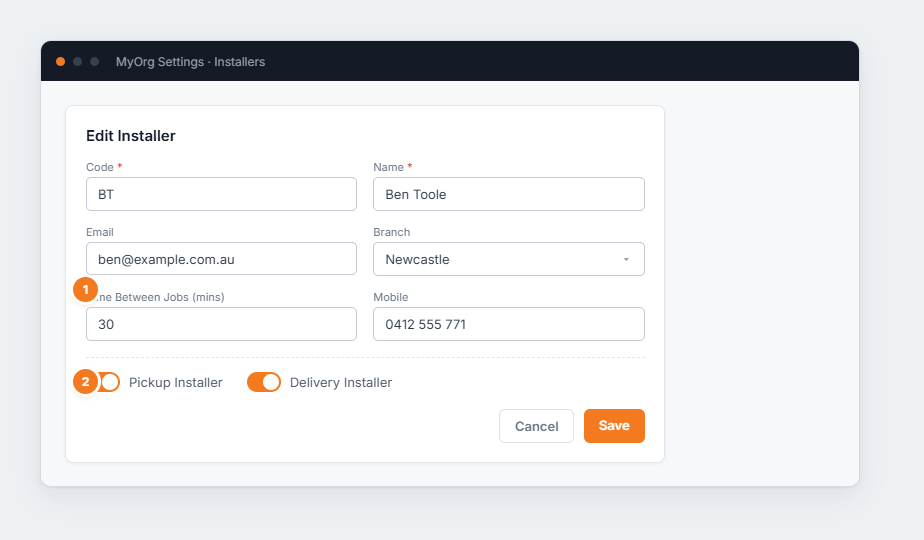
Figure 1 — editing an installer. (1) Time Between Jobs adds travel/buffer time when scheduling. (2) The Pickup / Delivery toggles say which kinds of run this installer takes.
Add an installer or ✎ to edit.
Enter Code and Name, plus branch and contact details.
Set Time Between Jobs (mins) so the scheduler leaves travel time.
Turn on Pickup Installer and/or Delivery Installer as appropriate, then Save.