Skip to content

Bank accounts

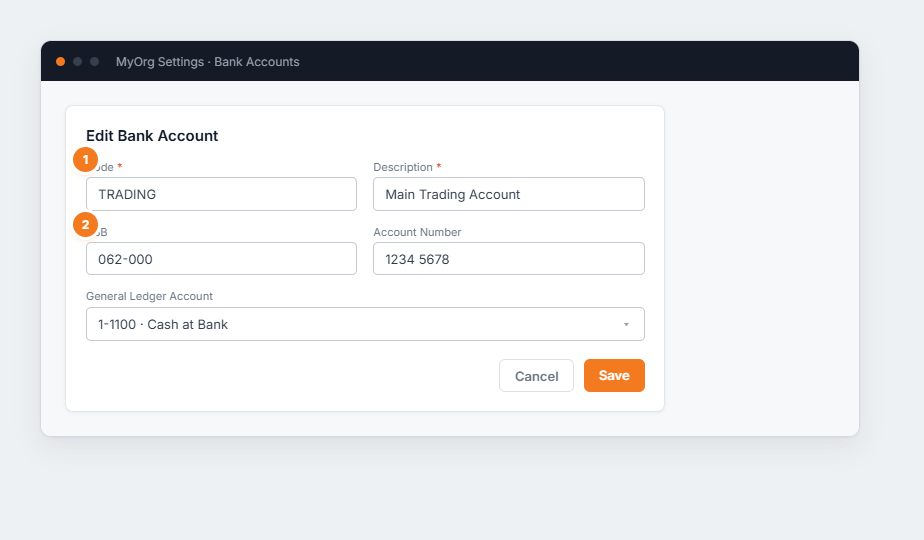
The Edit Bank Account form with code, description, BSB, account number and general-ledger account.

Figure 1 — editing a bank account. (1) Code and Description identify it. (2) BSB and Account Number are the banking details; the General Ledger Account links it to your chart of accounts.

  1. Add an account (or ✎ to edit).
  2. Enter Code, Description, BSB and Account Number.
  3. Link the General Ledger Account it posts to.
  4. Save.