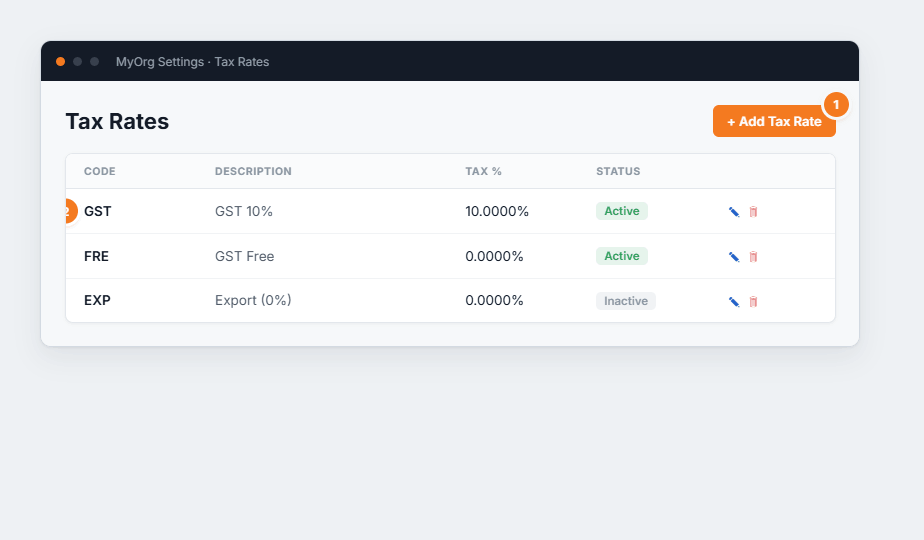
Figure 1 — the Tax Rates list. (1) Add creates a rate. (2) Each row shows its percentage and active status, with edit ✎ and delete 🗑.
- Click Add (or ✎ to edit).
- Enter a Code (e.g. GST) and Description.
- Set the Tax Percentage and a Sequence number for dropdown order.
- Save.
