
Account & Usage
What’s on the page
Section titled “What’s on the page”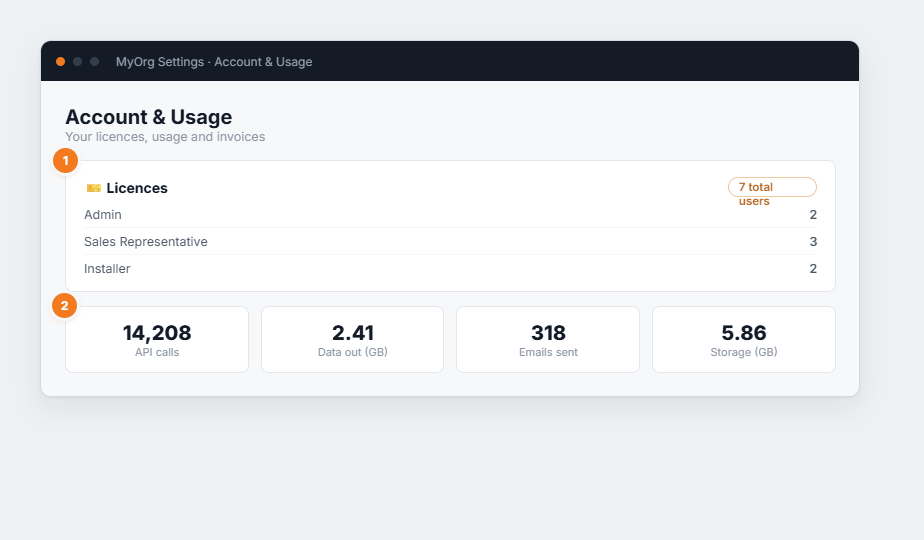
Figure 1 — Account & Usage. (1) Licences breaks your users down by role, with a total-users count. (2) Usage shows the selected month’s API calls, data out, emails sent and storage.
- Licences — a row per role with its user count, and the overall total. Check this before inviting more people so you know what each group’s licence draws on.
- Usage — pick a month and year, then Show, to see API calls, data out (GB), emails sent and storage (GB) for that period.
- Invoices — your BUZ invoices with date, due date, total, amount due and status; paid invoices show green, overdue amber. View online opens the invoice.