
Document templates
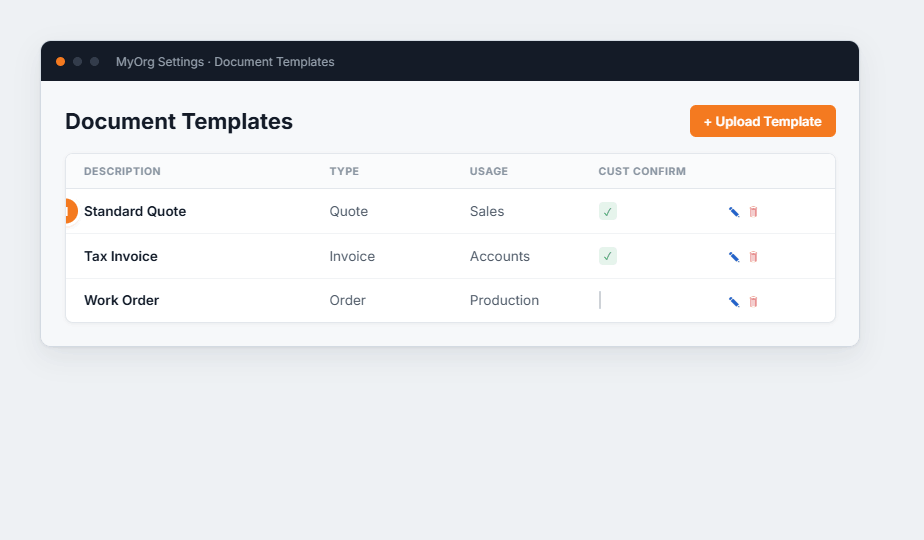
Figure 1 — the Document Templates list. (1) Each template has a Type (Quote, Invoice, Order…) and a Usage area; the Cust Confirm tick sends it automatically when an order is confirmed.
- Upload Template to add a layout (or ✎ to edit).
- Set its Description, Type and Usage.
- Tick Send on Confirmation to email it automatically when a customer confirms.
- Optionally scope it to Customer Groups, then Save.