
Email templates
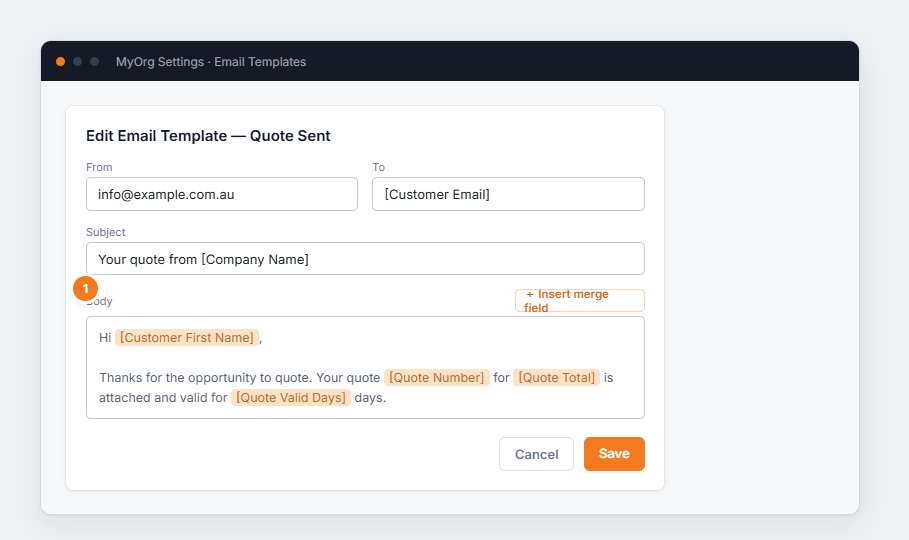
Figure 1 — editing an email template. (1) Use Insert merge field to drop in placeholders like [Customer First Name] or [Quote Total] — BUZ replaces them per recipient at send time.
- Pick a template (filtered by Type) and ✎ to edit.
- Set the From, To and Subject.
- Write the Body, inserting merge fields where you want per-customer detail.
- Save.