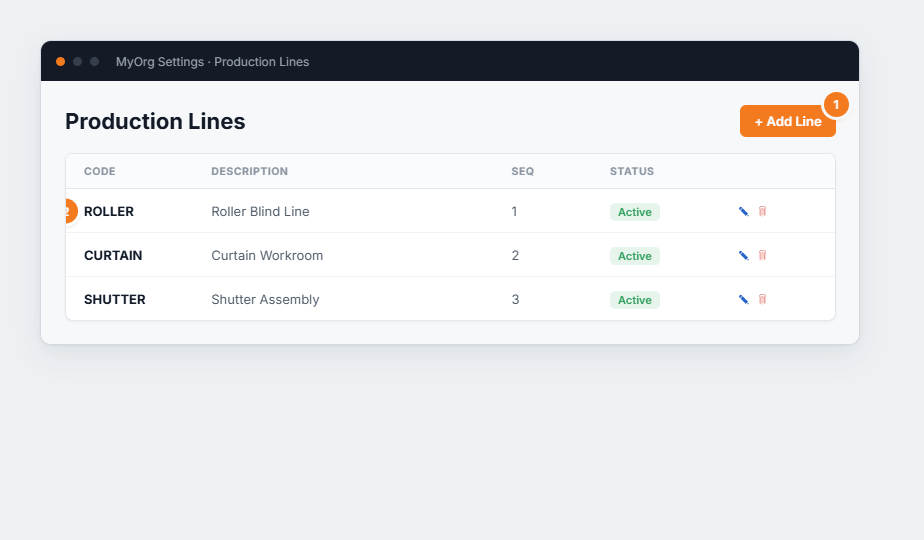
Settings → Workflow → Job Tracking Lines lists the lines your products are made on. Jobs can be
allocated to a line, and users can be tied to one so the job-tracking board is filtered to their work.
Figure 1 — the Job Tracking Lines list. (1) Add Line creates one. (2) Each row is a line with a code, description, sequence and status, plus edit ✎ and delete 🗑.
Add Line (or ✎ to edit).Enter a Code and Description .
Set a Sequence to order it in dropdowns.
Save .
Assign users to a line on the Users page so their board shows only their line’s jobs.Deactivate rather than delete a line with history.