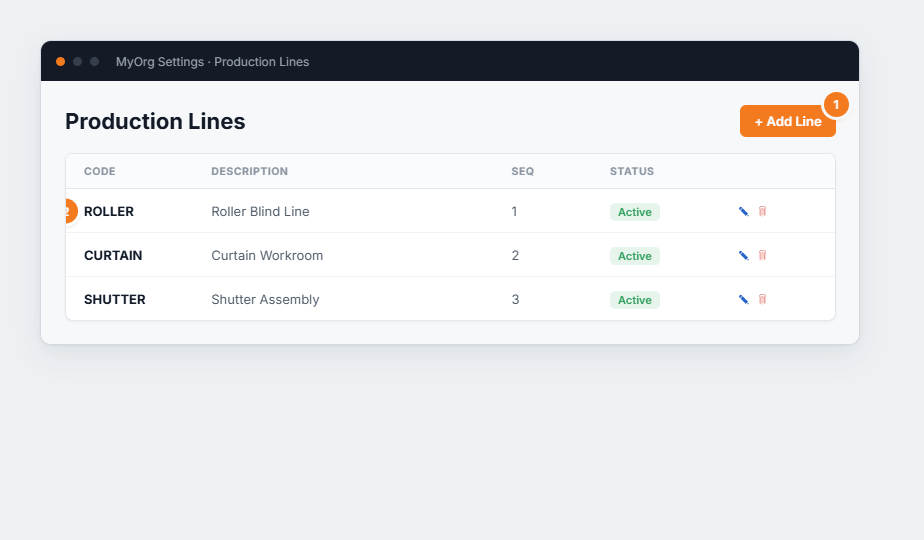
Settings → Workflow → Installation Types lists the kinds of install you run (measure, fit, service…).
They classify dispatch jobs and drive scheduling. Managed as a simple code/description list.
Figure 1 — the list layout (shared with the other workflow lists). (1) Add a type. (2) Each has a code, description and sequence, with edit ✎ and delete 🗑.
Add a type (or ✎ to edit).Enter a Code and Description .
Set a Sequence .
Save .
Types classify dispatch jobs — they’re the “what kind of visit” on the dispatch board.Deactivate rather than delete a type that’s been used.