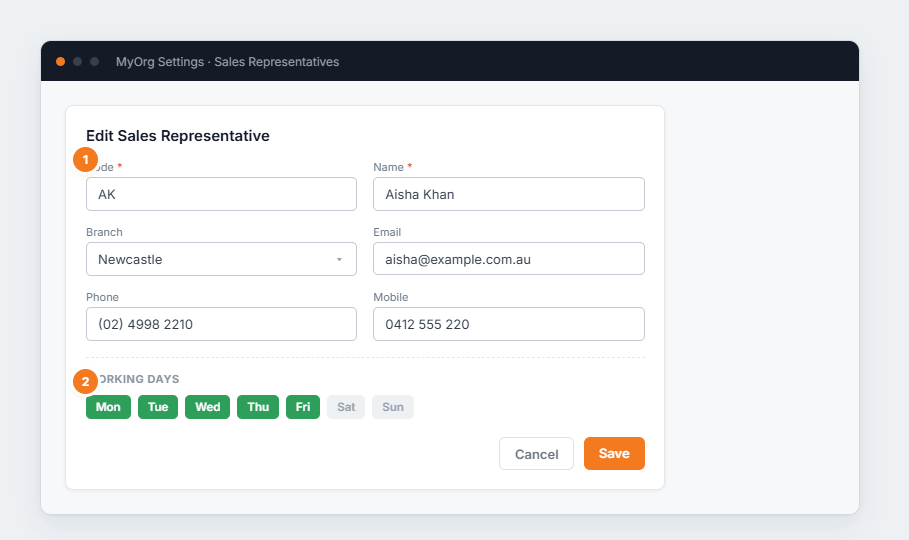
Figure 1 — editing a sales rep. (1) Code and Name are required; branch and contact details are optional. (2) Working days mark when the rep is available for scheduling.
Add a rep or ✎ to edit one.
Set the Code and Name, and optionally their branch and contact details.
Toggle their working days.
Save — then link them to a login on the Users page if they need to sign in.